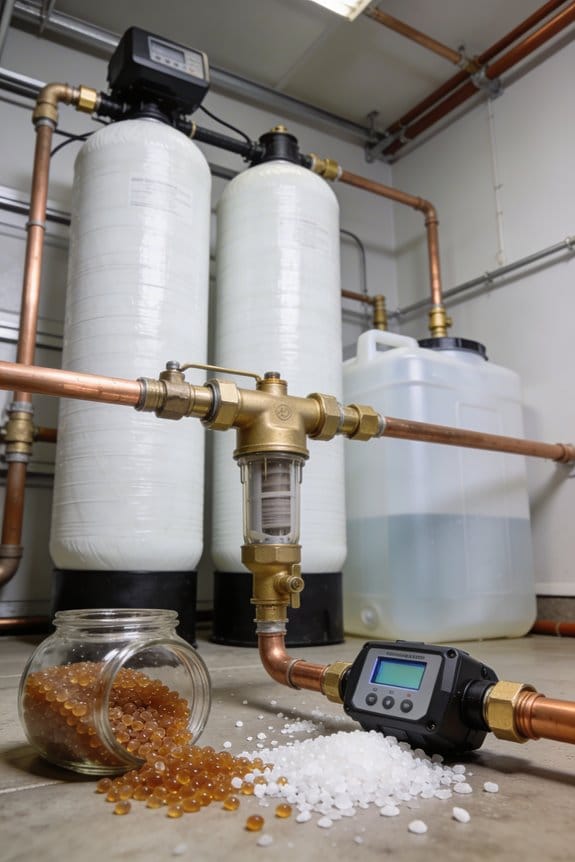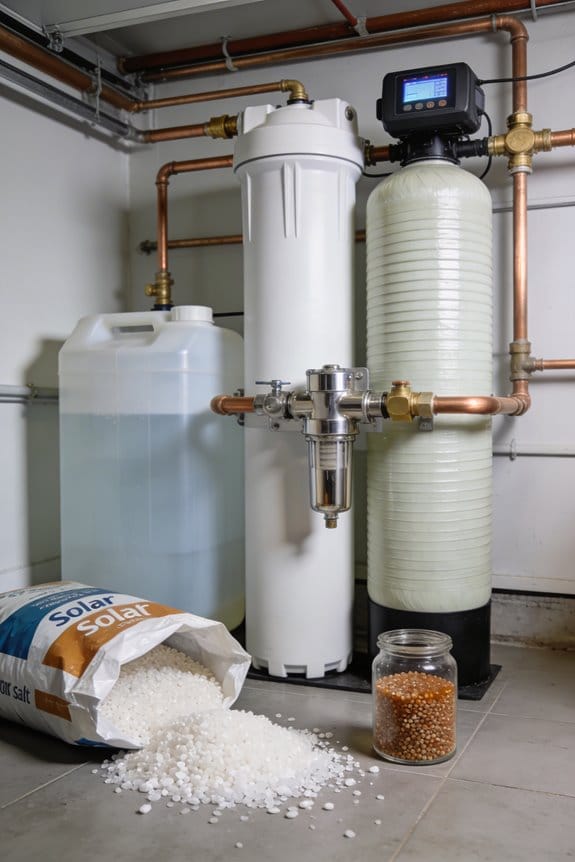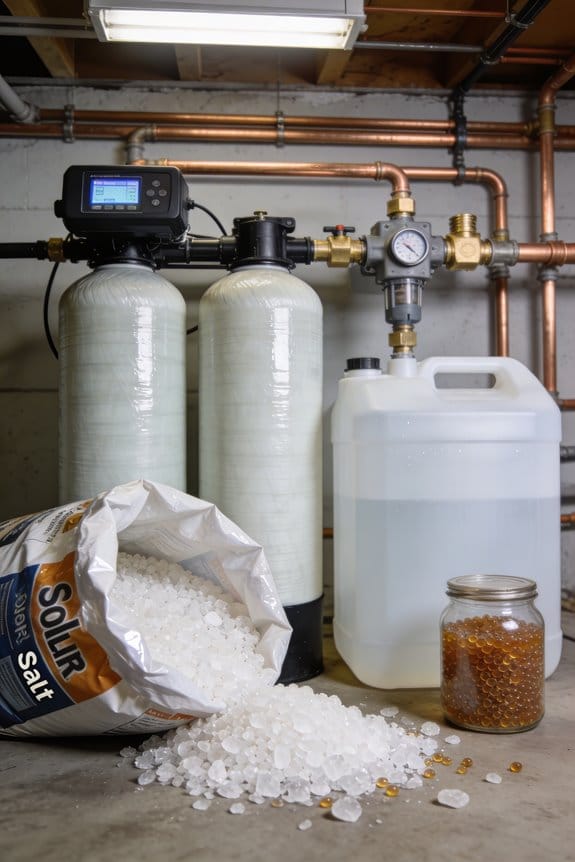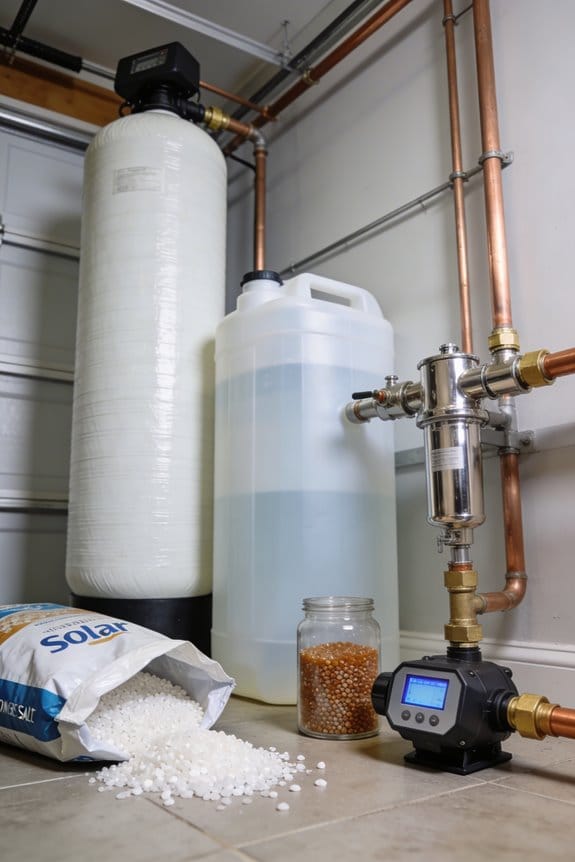
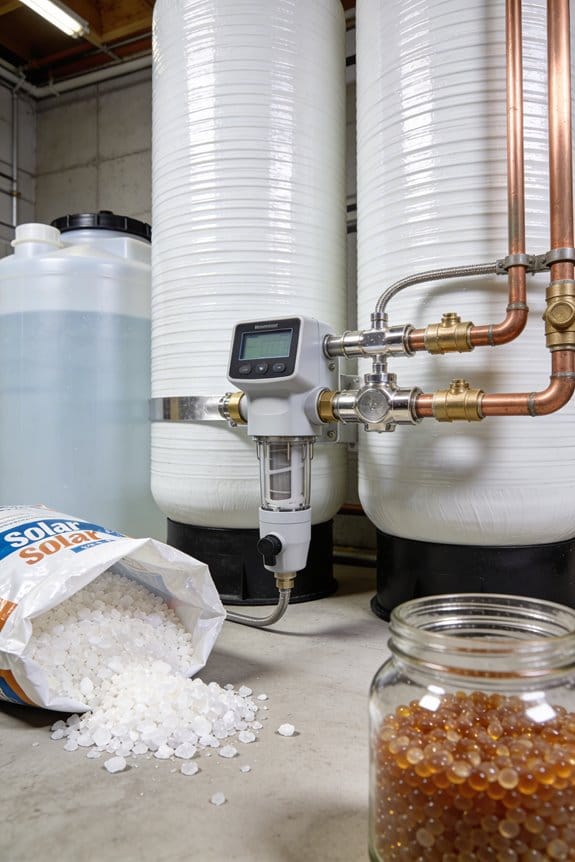

To force a manual regeneration cycle, first locate the regeneration button on your water softener’s control panel—it’s usually marked with four circling arrows or labeled “Regen.” Press it once to queue the cycle, which you’ll confirm when a “Regen Today” message appears. Then press and hold the button for 3 to 5 seconds until you hear a distinct mechanical click, indicating the system has shifted into its cleaning sequence. Avoid using hot water during the approximately 1.5 to 2-hour cycle. When sounds stop and your display shows completion, you’ll notice softer water with improved lathering. If regeneration fails, checking your salt levels and timer settings will reveal what went wrong.
Key Takeaways
- Locate the regeneration button on the control panel display, identified by four chasing arrows or “Regen” label.
- Press the regeneration button once to queue the cycle and wait for “Regen Today” confirmation message.
- Hold the regeneration button for 3 to 5 seconds until you hear a distinct audible click from valve.
- Listen for backwashing sounds and expect valve vibrations during the 1.5 to 2 hour regeneration cycle.
- Verify completion by checking for soft water, decreased salt level, and normal water pressure after cycle ends.
Locate the Manual Regeneration Button on Your Control Panel
To get started with manual regeneration, you’ll need to track down the regeneration button on your water softener’s control panel. I recommend looking at your system’s display screen first, since that’s where manufacturers typically place this important button. You’ll recognize it by its distinctive symbol—four arrows chasing themselves in a circle—which makes identification straightforward. The exact panel placement varies depending on your model, so consult your manual if you’re unsure. Pay close attention to control labeling around the button area, as clear markings help you avoid confusion with other functions. Some systems feature a dedicated button labeled “Regen” instead of the arrow symbol. Once you’ve located it, you’re ready to proceed with initiating the manual regeneration process.
Recommended Products

The WECO Backwashing filter with KL/OZ is a specialized Point-Of-Entry (POE) system designed for municipal and well water supplies. Utilizes iron reduction media consisting of manganese dioxide (MnO2) coated onto naturally mined ZEOSORB. Lightweight filtration media with various functions and properties for water treatment and remediation.

💧 【 PERFECT FOR 1-6 BATHROOMS 】This is the professional grade Whole House Water system that delivers high quality filtered, ultra-softened water to every outlet throughout your entire home. Rated to treat 48,000 grains of hardness by softening water, removing hard minerals, and rejecting water contaminants.

💧【 IDEAL FOR 4-6 BATHROOMS 】The Aquasure Harmony Series is engineered to handle up to 70,000 grains of hardness by removing skin damaging hard minerals like calcium and magnesium, providing professional-grade softened water to every outlet throughout your home.
Press Once to Queue Your Manual Regeneration

Once you’ve found the regeneration button, you’ll kick off the manual regeneration process by giving it a single press, which queues your system to begin the cycle. When you press the button, your control panel displays a “Regen Today” confirmation message, which flashes on the screen. This queued confirmation tells you the system’s recognized your manual scheduling request successfully. The initial press doesn’t start regeneration immediately; instead, it prepares your water softener and schedules the cycle to begin. Don’t worry if nothing seems to happen right away—that’s completely normal. The system is simply queuing your request in its programming. Once you see that flashing message, you’re ready to proceed to the next step: holding the button to activate the actual regeneration cycle.
Recommended Products

Complete Twin tank water softener provides continuous soft water

DIY install with supplemental instructions by AFW Filters on USB

💧 Perfectly designed for 4-6 bathrooms homes, the Aquasure Signature Series is the professional grade Whole House Water system that delivers high quality filtered, ultra-softened water to every outlet throughout your entire home. No need for manual regeneration, backwash, draining, this system automatically regenerates and backwash, making it cost efficient and easy to maintain.
Hold the Button for 3 to 5 Seconds Until You Hear a Click
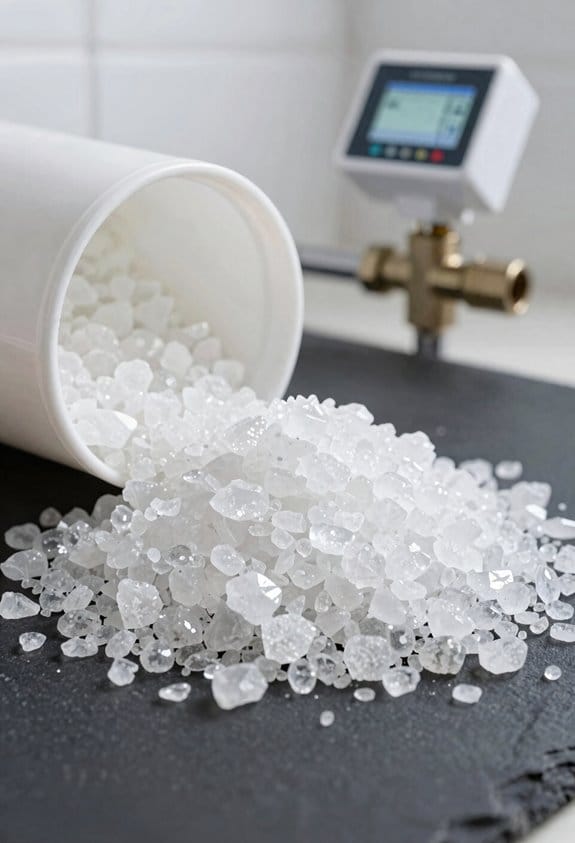
Now that your system has queued the regeneration request, you’ll activate the actual regeneration cycle by pressing and holding the regeneration button for 3 to 5 seconds. During extended holds, keep steady pressure on the button without releasing it prematurely. Your persistence matters because the system requires this sustained contact to fully engage the regeneration process. You’ll know you’ve succeeded when you hear a distinct audible click from the control valve, signaling that the cycle has officially started. Though button fatigue might tempt you to ease off early, maintaining consistent pressure ensures proper activation. The click sound confirms the mechanical shift into the regeneration sequence, and your system will now automatically progress through its stages without requiring further input from you.
Recommended Products
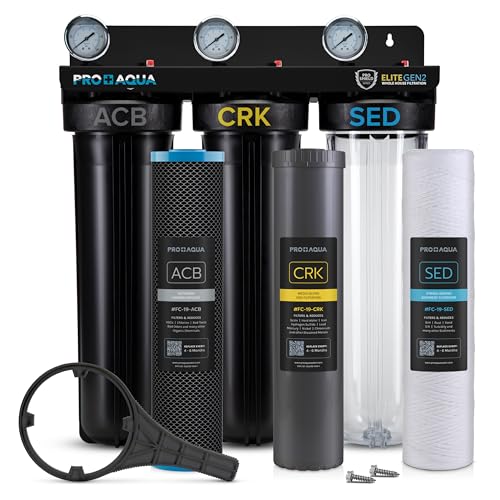
PRO+AQUA Elite Whole House Water Filter 3-Stage Well Water Filtration System with Gauges, PR Button 1 in. Ports Filter Set PRO-100-E-BNDL

💧【 PERFECTLY DESIGNED FOR 3-4 BATHROOMS 】The Aquasure Harmony Series professional grade whole house water softener is rated to treat 40,000 grains of water hardness, removing skin damaging hard minerals like calcium and magnesium that clog up the skin pore and causes irritation.

💧【 PERFECTLY DESIGNED FOR 1-2 BATHROOMS 】The Aquasure Harmony Series is the professional grade water softener that delivers ultra-softened water to every outlet throughout your entire home.
Monitor System Sounds and Behavior During Regeneration
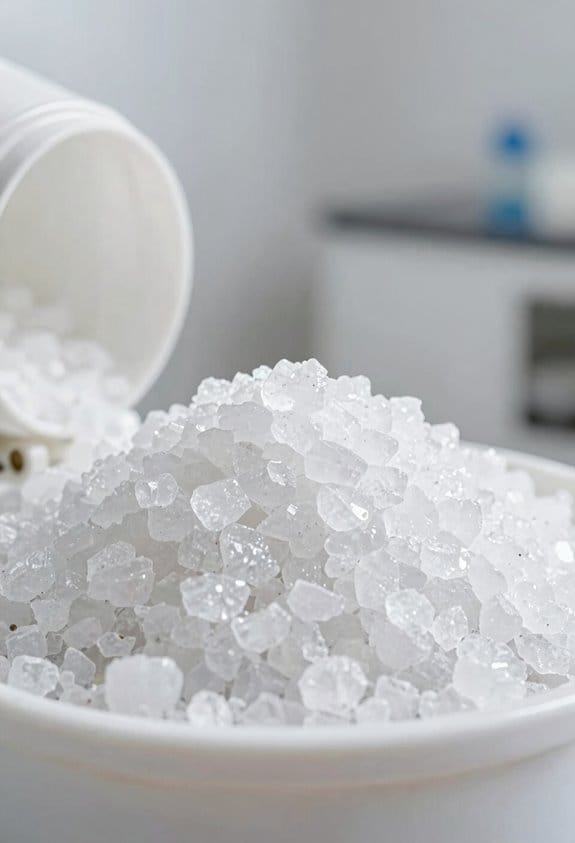
After you hear the click that signals the cycle’s start, you’ll typically notice distinct sounds emanating from your water softener as it moves through its regeneration stages. These audible diagnostics help you understand what’s happening inside your system. You might hear backwashing sounds as sediment gets removed, followed by different noises as the brine pumps backward through the resin media. Valve vibrations occur naturally during these shifts between stages, which is completely normal. Don’t be alarmed by these sounds—they’re actually reassuring indicators that your system is functioning properly. The entire process typically lasts between 1.5 to 2 hours, during which you should avoid using large amounts of water for bathing or laundry.
Recommended Products

Fleck 9100 SXT Digital Metered Dual Tank Control Valve for 24/7 Soft Water

Complete 80,000 Grains metered on demand water softener .- Upgraded Paddle Wheel Meter

💧 Perfectly designed for 1-2 bathrooms homes, the Aquasure Signature Series is the professional grade Whole House Water system that delivers high quality filtered, ultra-softened water to every outlet throughout your entire home. No need for manual regeneration, backwash, draining, this system automatically regenerates and backwash, making it cost efficient and easy to maintain.
Don’t Use Hot Water While Regeneration’s Running

During the regeneration cycle, you should avoid using hot water in your home, as this can interfere with the system’s ability to properly soften your water. When you draw hot water during regeneration, you’re pulling water from the tank before the softening process completes, which disrupts the cycle’s effectiveness.
Additionally, using hot water creates scald risks since the system isn’t functioning normally during regeneration. The temperature control mechanisms that typically protect your plumbing may not operate as designed when the water softener’s actively cycling through its stages.
I recommend waiting until regeneration finishes, which takes approximately 1.5 to 2 hours. This guarantees your system completes all necessary stages—backwashing, brine pumping, and flushing—without interruption. By exercising patience, you’ll restore full soft water capacity and maintain safe water temperatures throughout your home.
Know When Your Cycle Is Done (What to Look For)
I often recommend that homeowners watch for specific signals indicating their water softener has completed its regeneration cycle, since these visual and auditory cues confirm the system has successfully reset and is ready to deliver soft water again. First, listen for the regeneration sounds to stop completely. When you no longer hear the backwashing noise, the cycle’s likely finished. Next, check your control panel display, which typically shows a message confirming completion. You might also perform a resin inspection by looking at the tank opening to verify the resin appears clean and properly settled. Additionally, test your water quality to make sure adequate brine concentration levels have restored, indicating the system’s ready for normal softening operations once more.
Your Soft Water Returns: Here’s How to Verify
Once your water softener completes its regeneration cycle, you’ll want to confirm that soft water production has resumed before returning to normal water usage. Start by checking your water pressure, which should return to normal levels once the system finishes its process. Next, test your water by running a faucet and feeling the difference—soft water feels slicker than hard water. You can also verify that your salt levels have decreased, indicating the brine solution was properly used during regeneration. Run water through your shower or sink to ensure it lathers easily with soap, a clear sign your system’s working correctly. These simple checks make certain your water softener’s ready for regular operation.
Troubleshoot: What to Do If Regeneration Didn’t Work
If your water softener fails to complete regeneration or soft water doesn’t return afterward, the issue typically stems from one of several common problems that you can identify and address. Timer malfunctions represent a frequent culprit, preventing the system from initiating cycles properly. Check your control panel’s settings to guarantee the timer displays the correct time and date. Salt bridging, where hardened salt forms a crust inside your tank, blocks brine solution from flowing through the resin. Breaking up salt bridges by carefully inserting a broom handle into the salt tank can restore proper function. If problems persist after addressing these issues, consult your manufacturer’s troubleshooting guide or contact a professional technician for further assistance.
Recommended Products
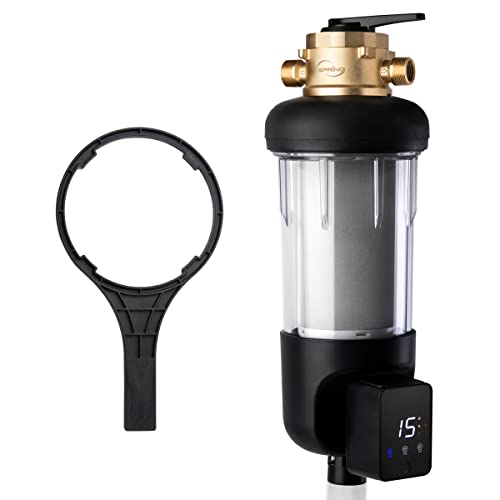
[NSF/ANSI 372 Certified] The WSP200ARJ-BP sediment water filter is certified lead-free under NSF/ANSI 372 standards, ensuring safer and cleaner water for your home.

New Fleck 2510 filter valve replacement for filter tanks

Control head for water softeners. Fleck 5600 metered on demand valve
Frequently Asked Questions
How Often Should I Manually Regenerate My Water Softener System?
Like Goldilocks seeking perfection, I’d recommend scheduling routine checks of your water hardness monthly. Most systems regenerate automatically, but you’ll manually intervene only when hardness levels spike unexpectedly or your softener underperforms.
Can I Use the Toilet During the Regeneration Cycle?
I’d recommend avoiding toilet usage during regeneration cycles. You’ll encounter health concerns since the system bypasses soft water treatment, delivering hard water with mineral buildup that’s unsuitable for normal household use.
What Happens if I Press the Button Multiple Times Accidentally?
Like waves upon waves, I’ll tell you: multiple presses cause timer confusion and extra wear on your system’s valve. I’d recommend pressing once, waiting for the “Regen Today” message confirmation before proceeding further with your regeneration activation.
Why Is My Water Still Hard After Regeneration Completed?
Your water’s still hard because iron buildup or resin fouling prevents proper mineral removal. I’d recommend checking if your softener’s resin needs replacement or if you’re dealing with iron-rich water requiring specialized treatment.
How Much Salt Does a Manual Regeneration Cycle Consume?
I don’t have specific salt consumption data in my knowledge base, but I can tell you that salt usage and cycle efficiency depend on your system’s size, hardness level, and manufacturer specifications. Check your manual for exact amounts.