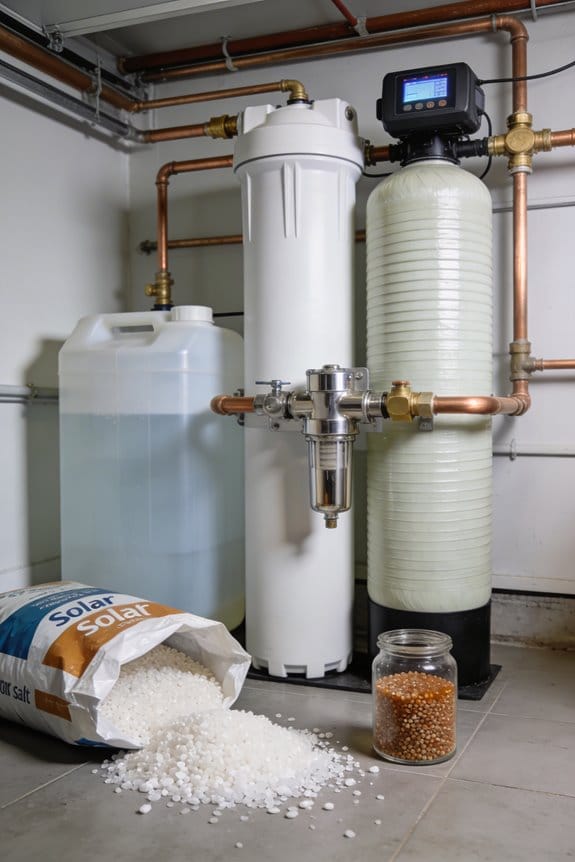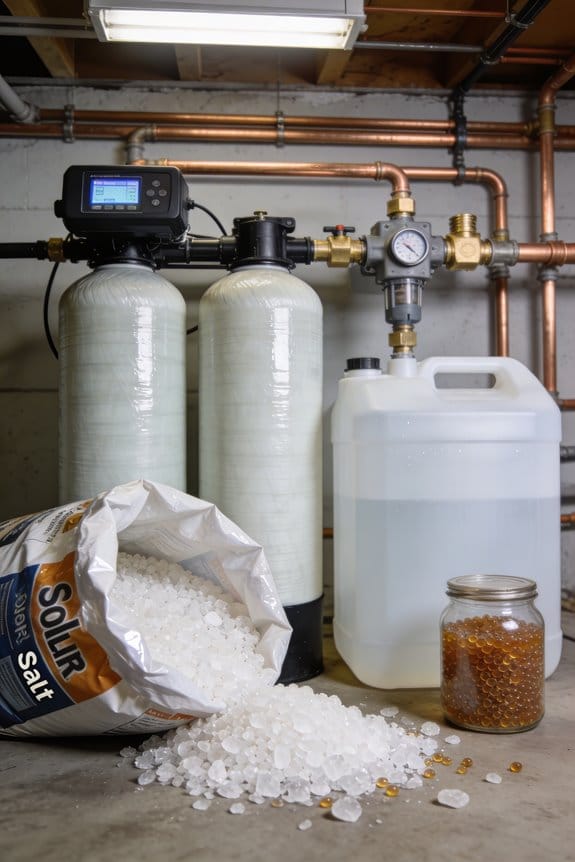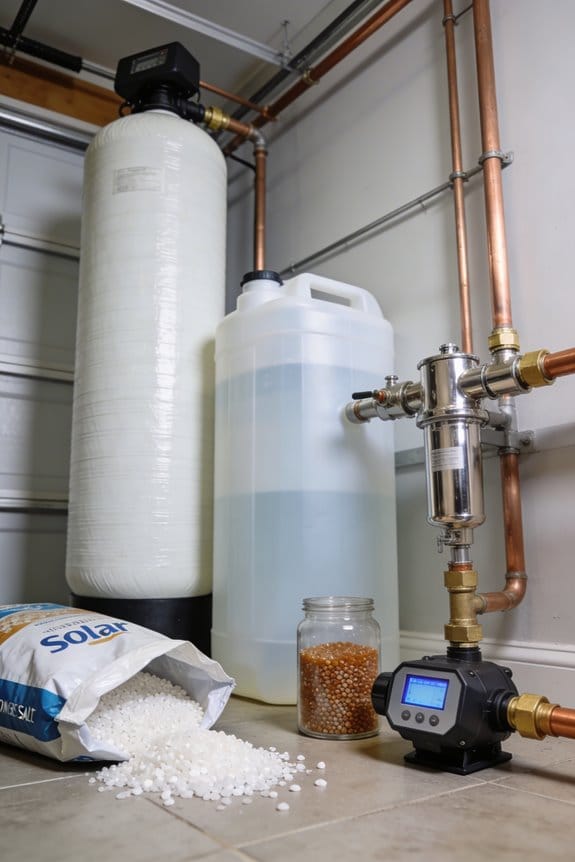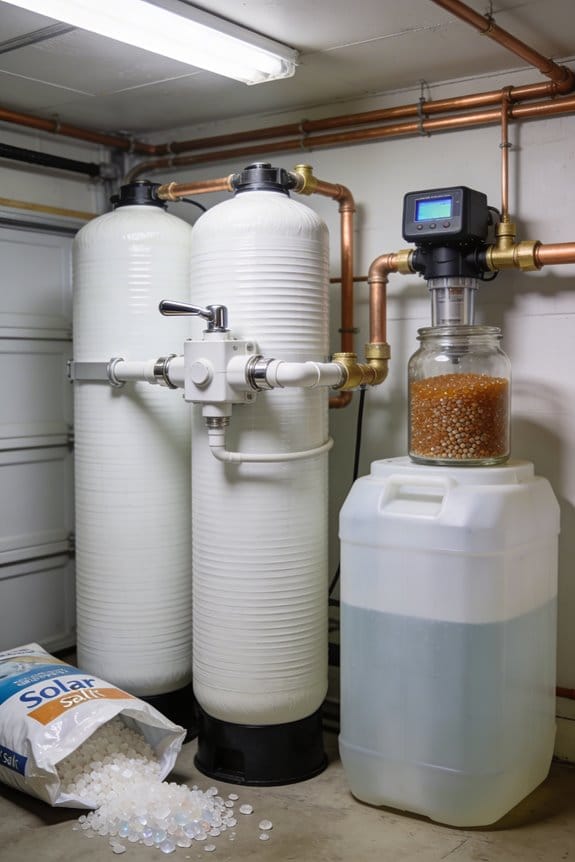
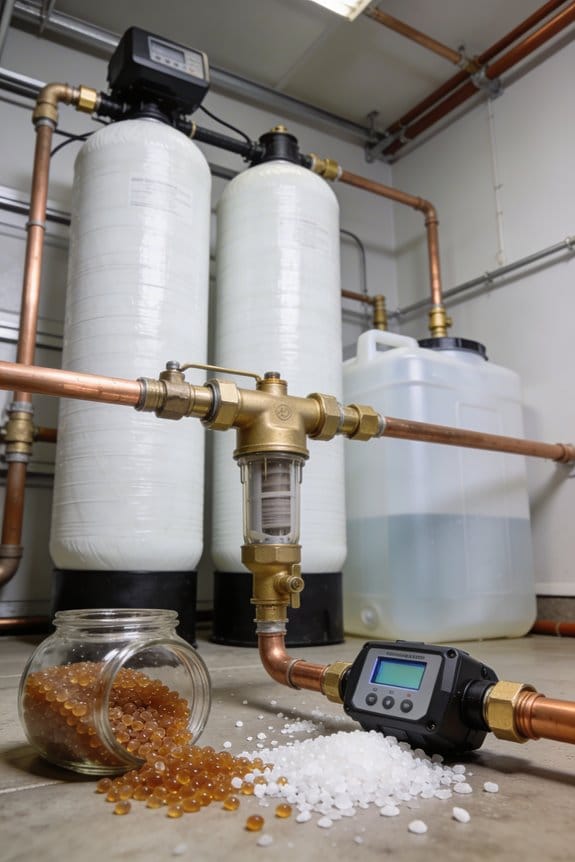

To program your water softener control head correctly, I’d start by testing your water hardness in grains per gallon, then access master programming mode using your model’s specific method. Enter that hardness reading, set your salt dosage and brine fill time, and choose your regeneration schedule—typically 2 AM. Program your cycle times for backwash, brine, rinse, and fill phases, then run a test cycle to verify everything works properly. Understanding each parameter’s role in softening performance will help you optimize your system’s efficiency.
Key Takeaways
- Test water hardness using a home kit or lab analysis to determine grains per gallon for accurate programming.
- Access master programming mode using model-specific methods, such as setting time to 12:01 PM for Fleck valves.
- Enter hardness reading, salt dosage, and brine fill time (starting at six minutes) into control head parameters.
- Program regeneration mode and cycle times: backwash ~10 min, brine 25–30 min, rinse ~10 min, fill ~5 min.
- Run manual regeneration cycle, check for leaks, monitor pressure, and verify post-cycle water quality meets softness standards.
Get Your Softener Ready: Basic Setup and Power
Before you can program your water softener’s control head, you’ll need to prepare the system itself, which means securing the plumbing connections, positioning the bypass valve, and connecting the unit to power. I recommend tightening all pipes firmly to prevent leaks, then positioning the bypass valve correctly so water can flow through the system. Next, I’ll plug the softener into a GFCI outlet for safety—this protects against electrical hazards. When I power on the unit, the screen should light up and display a ready message. After verifying grounding is secure, I’ll open the bypass valve to allow water flow. Finally, I inspect fittings carefully and check for any leaks, tightening connections as needed before restarting the water supply.
Recommended Products

Dual alternating tanks never run out of soft water

💧 【 PERFECT FOR 4-6 BATHROOMS 】Rated to treat 64,000 Grains of hardness, this is the professional grade Whole House Water system that delivers high quality filtered, ultra-softened water to every outlet throughout your entire home.

Platinum Air Injection with Filox (Mang-Ox) media for highest removal capabilities
Test Your Water Hardness and Interpret Results

How do you know if your water softener is programmed correctly for your home’s water conditions? Testing your water hardness is the essential first step. I recommend starting with home testing using a basic hardness test kit, which measures minerals in grains per gallon. These affordable kits provide quick results, though they’re less precise than professional analysis.
For greater accuracy, I suggest sending a water sample to a laboratory for lab confirmation. Professional testing identifies not only hardness levels but also other minerals affecting your system’s performance. Once you receive results, you’ll have exact measurements to program into your softener’s control head, ensuring ideal salt usage and system efficiency throughout your home.
Recommended Products
Ensure compliance and effective monitoring with accurate results for over 90 methods across 48 parameters for a range of applications.

THIS KIT ONLY HAS MY GARDEN POOL AQUARIUM AND TERRARIUM TEST STRIPS FOR AQUARIUM TESTING, DOES NOT HAVE 4335 DISKS WHICH ARE REQUIRED FOR THIS DEVICE TO TEST AQUARIUMS PROPERLY. WE ONLY HAVE 4320 DISKS AND TEST STRIPS IN THE BUNDLE

PRECISE CHLORINE MEASUREMENTS – Accurately measures Free Chlorine (0.02–2.00 mg/L Low Range) and Total Chlorine (0.1–8.0 mg/L High Range), providing reliable data for water quality analysis.
Access Master Programming Mode on Your Control Head

Now that you’ve tested your water and know your hardness level, you’re ready to access the master programming mode on your control head, which is where all the essential settings for your softener live. Different valve models require different entry methods. On Fleck valves, I set the time to 12:01 PM to trigger master programming automatically. For Clack models, I press specific buttons in sequence. Some systems use access codes that I must enter before proceeding. Once I’m in master mode, the display shows various options including service reminders and cycle settings. I’ll navigate using arrows or buttons depending on my model. Taking time to locate the correct entry method prevents frustration and guarantees I configure every necessary parameter accurately for peak softener performance.
Recommended Products

The WECO Backwashing filter with KL/OZ is a specialized Point-Of-Entry (POE) system designed for municipal and well water supplies. Utilizes iron reduction media consisting of manganese dioxide (MnO2) coated onto naturally mined ZEOSORB. Lightweight filtration media with various functions and properties for water treatment and remediation.

Complete Twin tank water softener provides continuous soft water

DIY install with supplemental instructions by AFW Filters on USB
Enter Your Water Hardness Reading (Grains Per Gallon)

With master programming mode now open on your control head, you’re ready to input the water hardness reading you obtained from testing your water supply. I’ll guide you through entering this critical value, which tells your softener how much mineral balance correction it needs to perform.
Your hardness reading, measured in grains per gallon, determines how aggressively your softener’s ion exchange process operates. Using your control head’s arrows, navigate to the hardness input field and enter your specific number. Most systems accept readings between 0 and 100 grains per gallon. Verify the value displays correctly before confirming. Accurate hardness data guarantees your softener removes calcium and magnesium effectively without wasting salt or water during regeneration cycles.
Set Your Salt Dosage and Brine Fill Time

After entering your water hardness reading, you’ll need to program your softener’s salt dosage and brine fill time, which control how much salt your system uses during each regeneration cycle. I recommend starting with a brine fill time of six minutes, then adjusting based on your tank size and consumption patterns. To optimize brine efficiency, access your system’s advanced regeneration settings through the digital panel or manufacturer app for Bluetooth models. Consider seasonal adjustment of salt dosage, since water usage fluctuates throughout the year. Most control heads allow you to modify these settings in the programming menu, where you’ll enter values matching your system’s capacity. Proper salt efficiency reduces costs while maintaining effective water softening performance.
Choose Your Regeneration Mode and Schedule
Once you’ve optimized your salt dosage and brine fill time, you’ll need to determine how your softener regenerates, which is the process where the system cleans and recharges itself to continue removing hardness from your water. You can choose between three regeneration modes: delayed, meter-based, or time-based scheduling.
Delayed regeneration initiates when water demand reaches a preset level, making it ideal for households with consistent peak flow patterns. Meter-based systems track actual water usage for efficiency. Time-based regeneration occurs on a fixed schedule, typically at 2 AM.
Consider your household’s water consumption and seasonal adjustments when selecting a mode. You’ll also program cycle durations for backwash, brine, rinse, and fill phases. Most systems use gallons as the measurement unit for capacity settings.
Set Backwash, Brine, Rinse, and Fill Cycle Times
Each regeneration cycle consists of four distinct phases—backwash, brine, rinse, and fill—and you’ll need to program the duration for each one to guarantee your softener operates efficiently. I recommend starting with manufacturer defaults, typically 10 minutes for backwash, 25-30 minutes for brine, 10 minutes for the rinse sequence, and 5 minutes for fill. These cycle durations depend on your specific tank size and water hardness level. Access your control head’s programming menu and enter each time individually using the arrow buttons. If your softener isn’t removing hardness effectively, gradually increase brine time. Conversely, if you’re using excess salt, decrease it slightly. Testing your water quality after adjustments confirms whether your cycle durations are optimal for your household’s needs.
Program Your Specific Model (Fleck, Clack, Tier1, Aquasure)
Because water softener models vary greatly in their control systems, you’ll need to follow model-specific programming steps to guarantee your softener functions correctly for your household’s needs. Fleck 5600SXT units require entering the master menu at 12:01 PM and setting your valve compatibility preferences. Clack WS1 models need softening selected in Step 2S, with cycle adjustments in Step 3S. Tier1 WS-165 systems require unfastening the valve before setting time and switching to delayed control mode. Aquasure Harmony softeners demand configuring gallon capacity and hours override settings. Many newer models now offer remote diagnostics through smartphone apps, allowing you to monitor performance and troubleshoot issues without manual intervention, making maintenance markedly easier for homeowners.
Run a Test Cycle and Verify All Settings
After you’ve programmed all your model-specific settings, I recommend running a test cycle to make sure everything works as intended before relying your softener for daily water treatment. Start the regeneration cycle manually through your control head menu. During this process, perform a leak inspection at all connection points, including inlet and outlet pipes, as well as the brine tank fitting. Monitor pressure readings on your gauge throughout each cycle phase—backwash, brine draw, rinse, and fill. Pressure should remain within manufacturer specifications; abnormal fluctuations indicate potential issues. After completing the test cycle, check water quality by testing hardness levels. If results meet your expectations and you’ve observed no leaks or pressure problems, your softener’s ready for regular operation.
Recommended Products
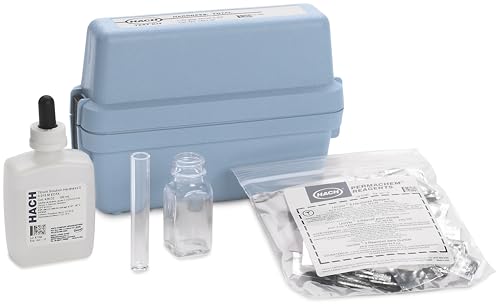
Provides accurate water hardness testing using drop count titration method

Trust the original Hach test kit! Simple drop-count titration measures hardness as CaCO3 (1 gpg = 17.1 mg/L). Utilizes drop count titration with a range of 1-30 gpg. Contains approximately 100 tests. Drop count titration - a simple, economical titration method!

Accurate Arsenic Water Test Kit - Designed to detect arsenic levels in water with a testing range of 0–0.5 ppm (0–500 ppb). The reading scale includes 0.01, 0.025, 0.1, 0.25, and 0.5 ppm. To convert ppm to ppb, simply multiply by 1,000. The color on the chart changes from light to dark, allowing for clear and easy interpretation of results.
Frequently Asked Questions
What Should I Do if My Softener Screen Doesn’t Light up After Plugging It In?
I’d investigate by checking your fuse and inspecting your outlet first. Make certain you’re using a GFCI outlet, verify power’s properly flowing, and confirm all connections are secure before assuming your softener’s screen is defective.
How Often Should I Test My Water Hardness to Ensure Accurate Programming?
I’d recommend you test your water’s hardness monthly initially, then shift to seasonal sampling once you’ve established baseline levels. This guarantees I’m programming your softener accurately and adjusting for any water quality changes throughout the year.
Can I Program My Water Softener Remotely Using a Smartphone App?
I can’t program my older softener remotely, but you can with newer Bluetooth models. Smartphone integration lets you adjust settings anywhere, while remote diagnostics help me troubleshoot issues without calling a technician.
What Is the Difference Between Delayed, Meter, and Time-Based Regeneration Modes?
I’ll explain the three regeneration modes’ differences in cycle initiation and regeneration frequency. Delayed mode regenerates at your set time regardless of water usage. Meter mode triggers based on actual gallons consumed. Time-based mode regenerates on fixed schedule intervals.
How Do I Know if My Softener Is Using Too Much Salt per Cycle?
You’re basically throwing money down the drain if your water usage skyrockets while efficiency plummets. I’d check your brine management settings—high salt consumption signals poor low efficiency. Adjust dosage in advanced regeneration settings to balance salt and water usage effectively.